Scrapbook Mode: Your Photos, Beautifully Scattered
Meet Scrapbook mode — a new slideshow style that scatters your photos across the screen like a real scrapbook. No grids, no order, just character.
PictaCast Team
Every slideshow mode we've built so far has one thing in common: order. Slides transition one after another. Ken Burns pans neatly across a single image. Even Picture Wall arranges things into a tidy grid.
That's great most of the time. But sometimes you don't want tidy. Sometimes you want the feeling of dumping a shoebox of printed photos onto a coffee table and just looking at them.
That's Scrapbook mode
When you switch to Scrapbook, PictaCast takes your photos and tosses them onto the screen at random angles, random sizes, slightly overlapping — like someone pinned them to a corkboard without measuring anything. Each photo gets a subtle drop shadow and a slight rotation, so the whole thing looks tactile. It looks like something you'd find on a grandmother's fridge.
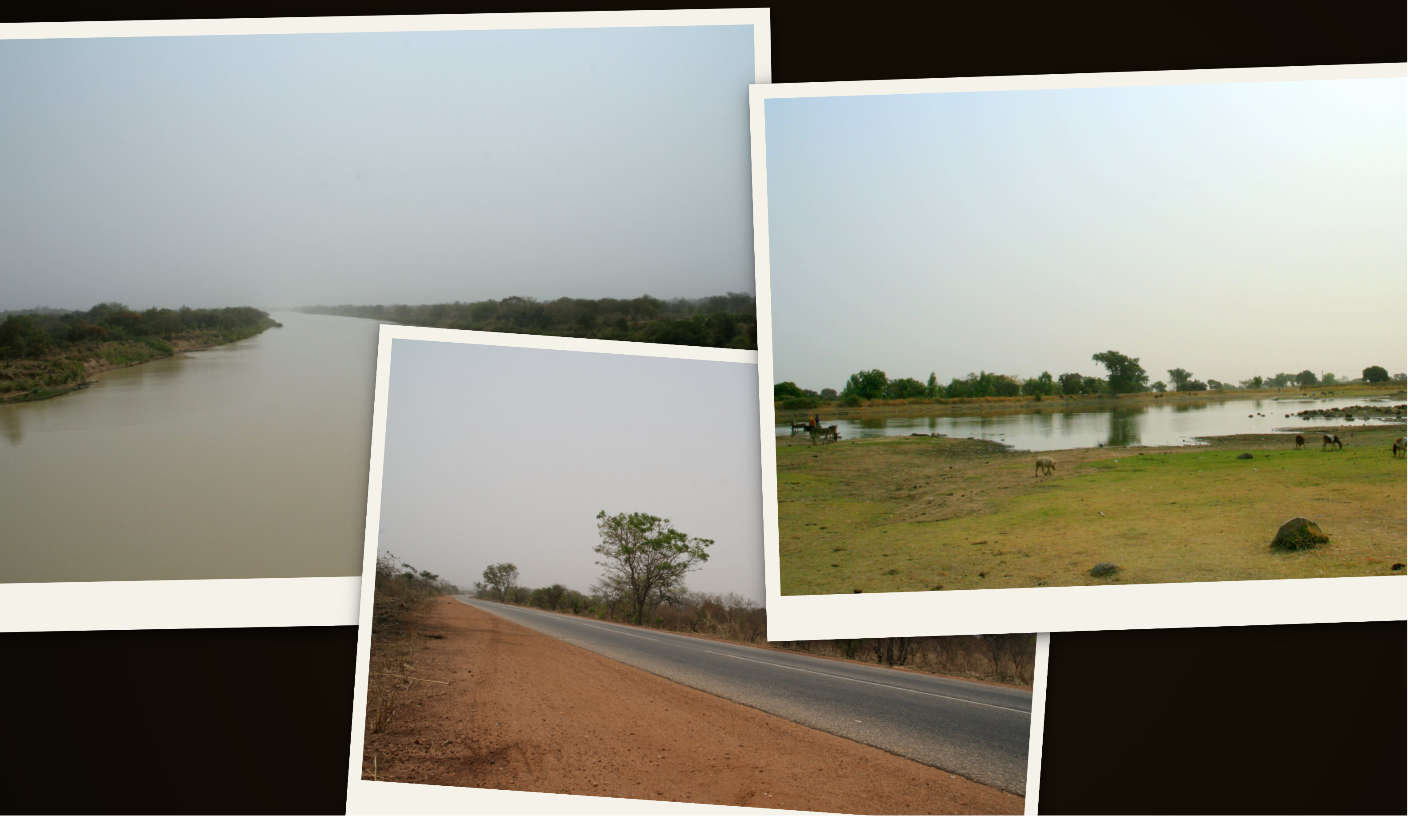
Scrapbook mode — photos scattered naturally, like a real photo table.
Why we built it
Honestly? Because people kept asking. We got a surprising number of emails from users running PictaCast at events — birthday parties, wedding receptions, memorial services — where a perfectly smooth slideshow felt too polished, too corporate. They wanted something warmer. Something that felt more like a memory and less like a PowerPoint deck.
One user told us they used to physically tape printed photos to a board and prop it up next to the TV at family gatherings. They asked if PictaCast could just… do that digitally. So we did.
How it works
There's nothing to configure. Pick a folder, choose Scrapbook from the mode selector, and cast. That's it. Behind the scenes, a few things are happening:
- Random but intentional: Photos are placed with controlled randomness — enough overlap to feel organic, but never so much that a photo is completely hidden behind another.
- Automatic refresh: The layout reshuffles periodically, pulling in new photos from your folder so the display stays fresh.
- Works on any screen: Whether you're casting to a 65-inch TV or running it on a laptop in the corner of a room, the layout adapts.
- Pairs with music: Just like every other mode, you can add your own background music and it'll play while the photos cycle.
Where it shines
We've been testing Scrapbook internally for a few weeks, and the use cases that keep coming up are the ones where you want the TV to feel like decoration rather than entertainment:
- Birthday parties where you want a loop of childhood photos on the TV in the background.
- Office lobbies showing team photos or event highlights.
- Memorial services where a structured slideshow feels too rigid.
- Cafés and waiting rooms where a scattered look feels more inviting than a grid.
Scrapbook mode is live now. Open app.pictacast.com, pick a folder, and try it out.